Appearance search
Search visible attributes such as people, clothing, colors, accessories, and vehicles across supported ONVIF M cameras.

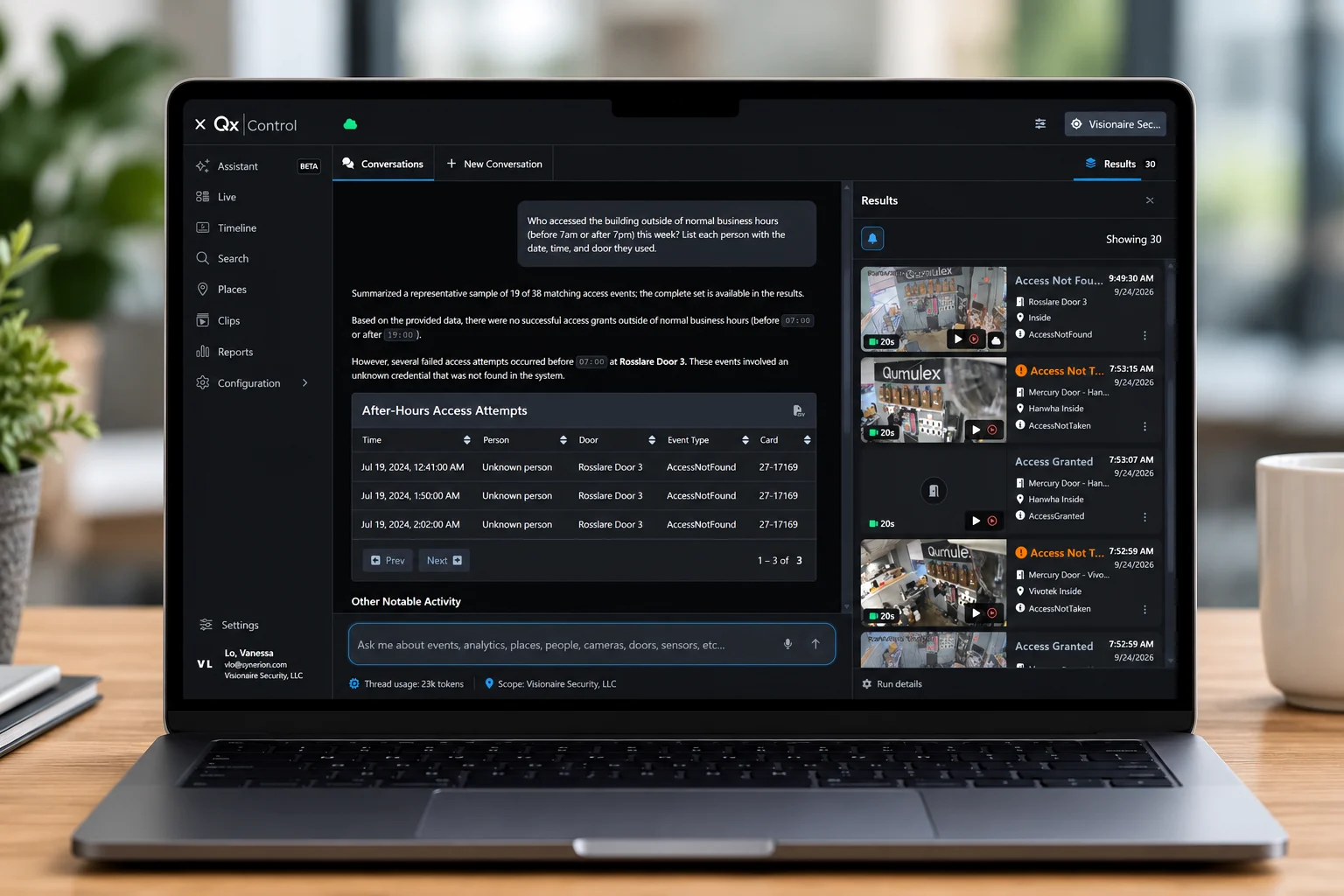
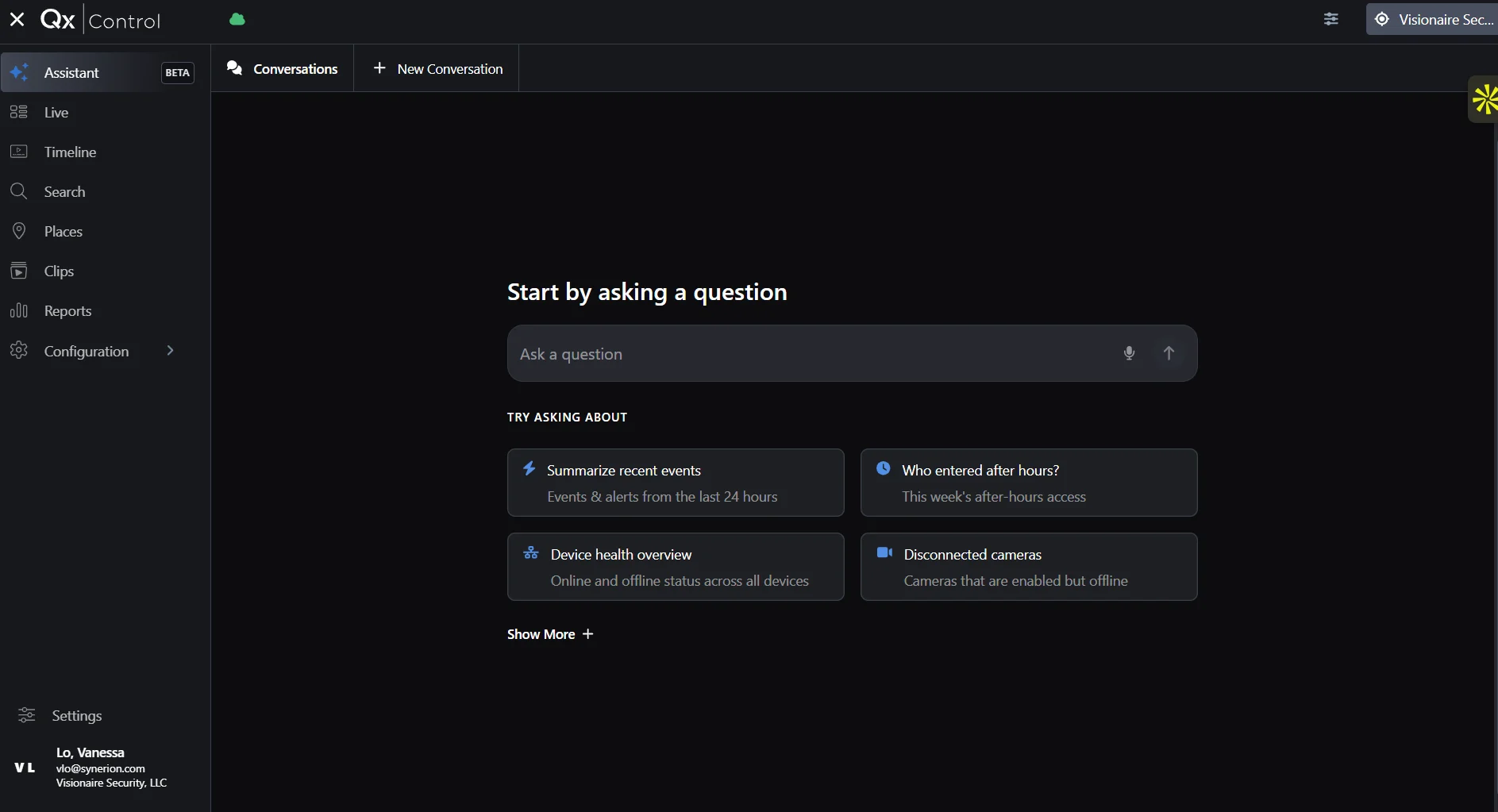
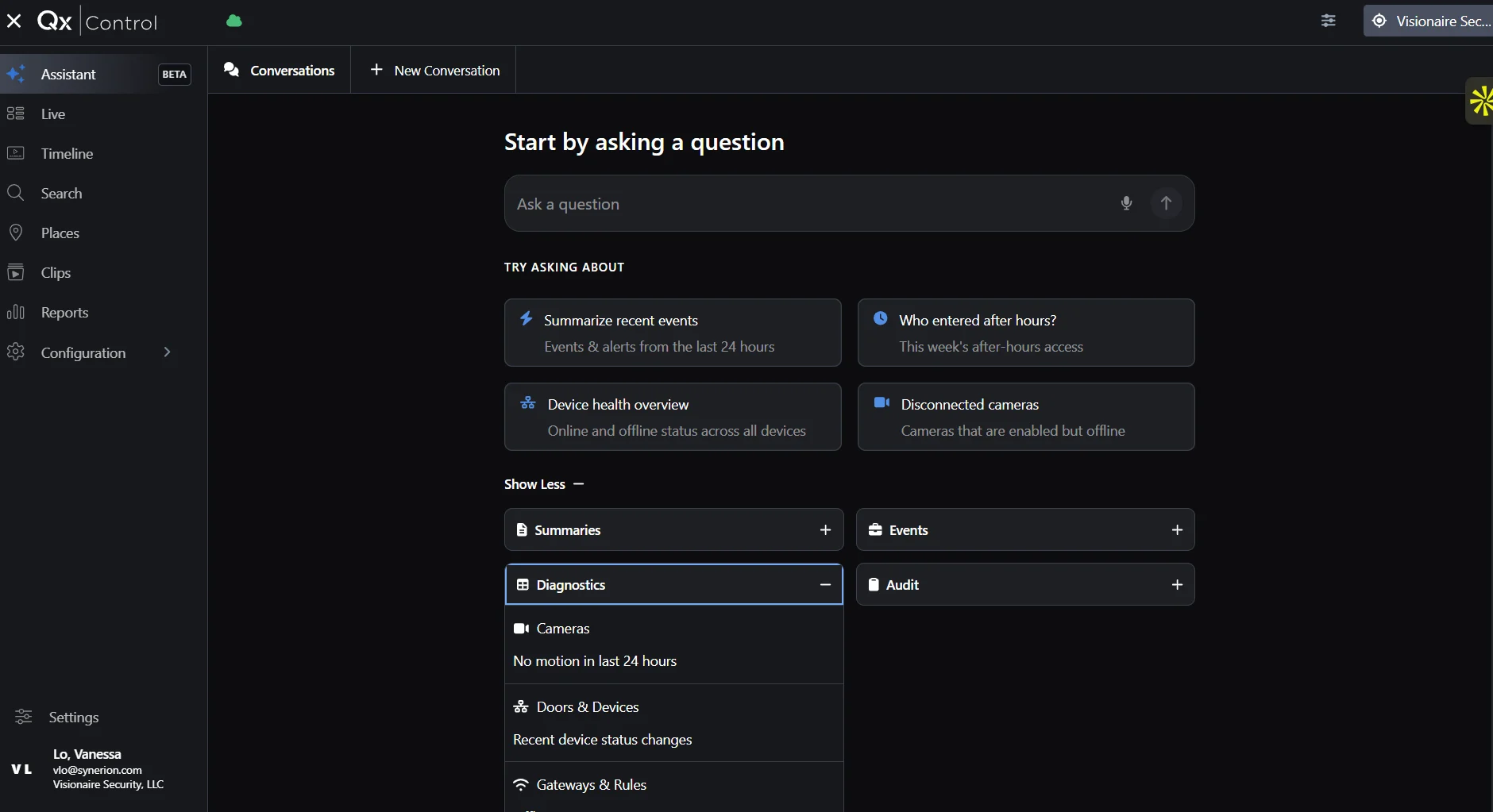
Meet QXR AI Assistant. Ask questions about access activity, video events, and your security operations in natural language, then follow the results back to the evidence.
Natural-language investigation · Video and access context · Open security ecosystem
QXR AI ASSISTANT
Instead of searching individual systems, building filters and manually connecting events, QXR AI Assistant helps bring the relevant security data into a single investigation.
Ask naturally. QXR helps determine what to search, where to look and which events belong together.
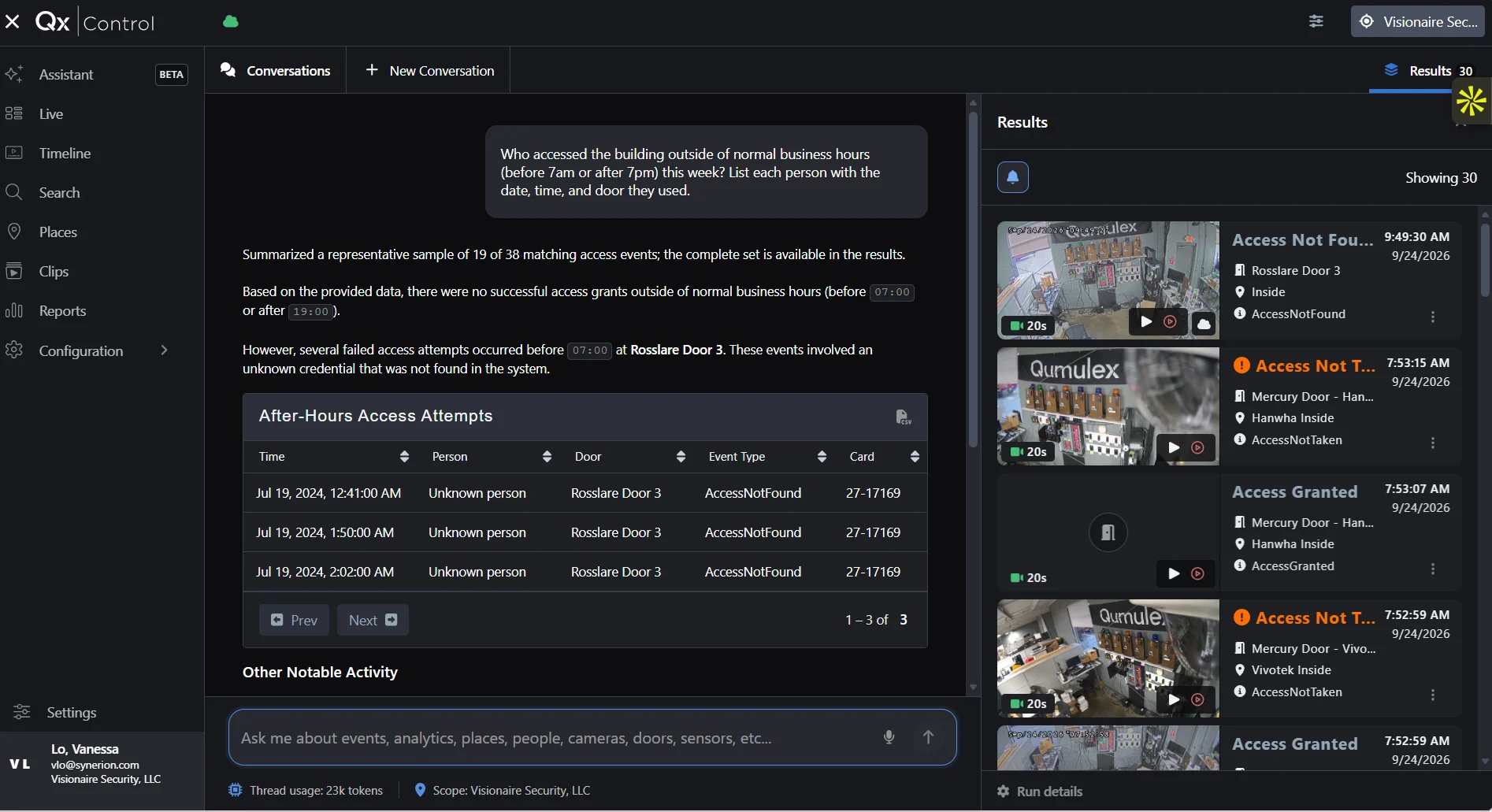
An access event tells you a credential was used. Video shows you what actually happened. QXR brings both into the same investigation.
“Who accessed the building outside of normal business hours this week?”
Move beyond finding individual events. Ask operational questions and let QXR AI Assistant help surface the relevant data and reporting workflow.
“How many denied access attempts occurred at Building A last week?”
“Show me door activity after 10 PM.”
“Which doors had the most access activity this month?”
“Find access events associated with video between 8 PM and midnight.”
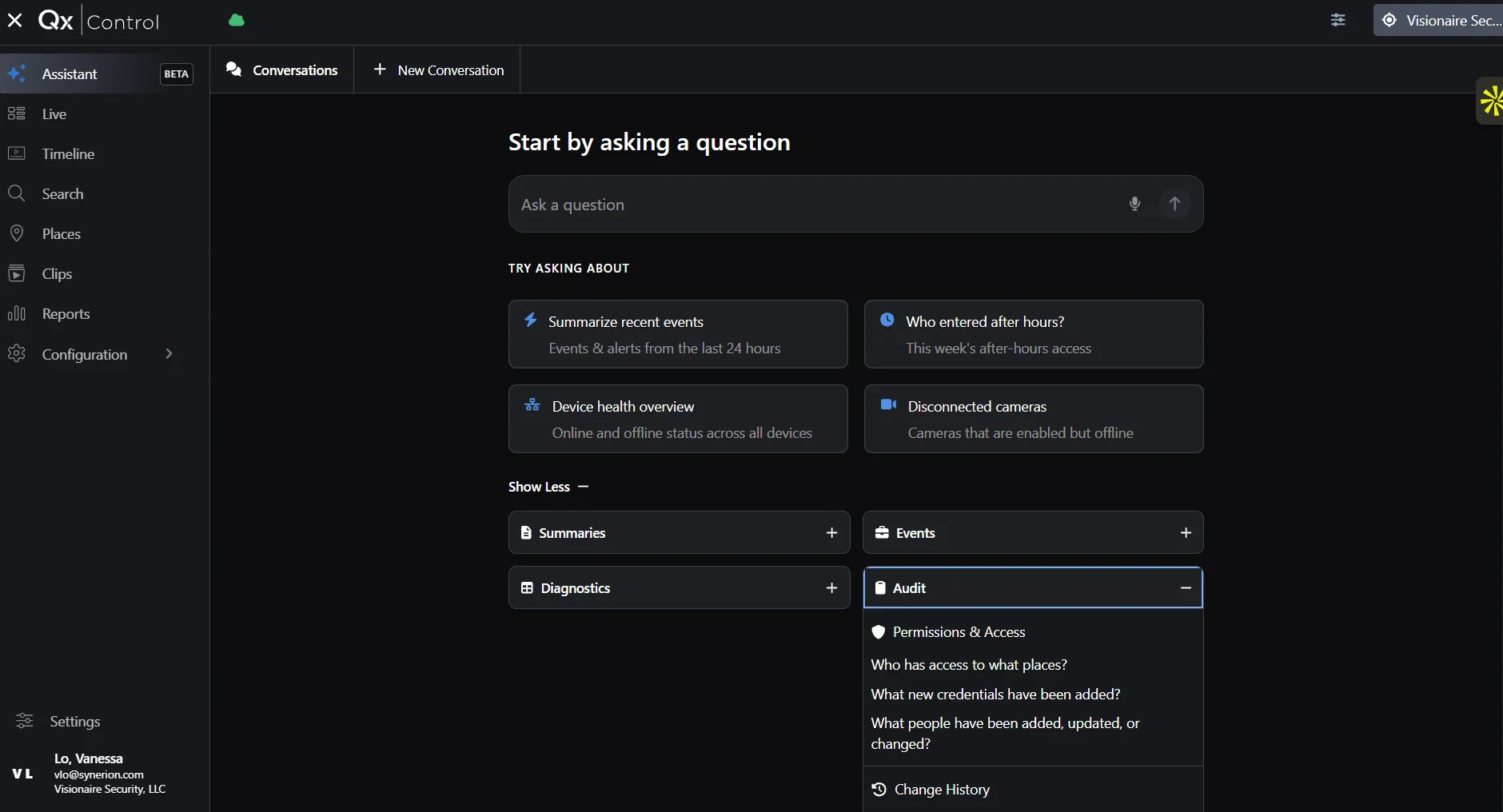
Don't build the report. Ask the question.
Ask. Analyze. Export.
QXR does not force a closed camera stack. It brings supported camera intelligence into the same operating view as video surveillance and access control.
Search visible attributes such as people, clothing, colors, accessories, and vehicles across supported ONVIF M cameras.
Narrow video using supported camera-native events including intrusion, cross-line, loitering, person, vehicle, tampering, count, and object events.
Review video, doors, access events, alerts, rules, and system activity from one browser-based platform.
Use supported inputs and events to automate alerts and operational responses through QXR’s rules engine.
From signal to response
Supported camera analytics identify configured events at the edge.
QxControl turns those events into searchable Smart Tags and timeline context.
Operators narrow results across supported cameras, sites, and locations.
Review, save, share, or export relevant clips and connect findings to the wider security workflow.
Event availability varies by camera and analytic support. QxControl provides one place to filter supported events and review the video around them.
Explore Edge Analytics


Use compatible cameras and officially tested analytics from i-PRO, Axis, Hanwha Vision, Pelco, Vivotek, and Bosch. Keep the hardware that fits, and modernize intelligence without accepting a proprietary camera mandate.
Supported ONVIF M appearance search
Cross-site and cross-camera Smart Tag search
Cloud, hybrid, and on-premises deployment choices
Save, share, review, and export relevant clips
Bring your camera environment, access requirements, and investigation goals. QXR will help map the supported analytics and deployment model that fit.